Contents
Blueprint API
Some functions of the plugin are be exposed through blueprint but the blueprint API is fairly limited. This is due to blueprint support in the Mass Entity framework. The blueprint API is curently limited to spawning and despawning and can be accessed through the spawner actor.
Spawner API
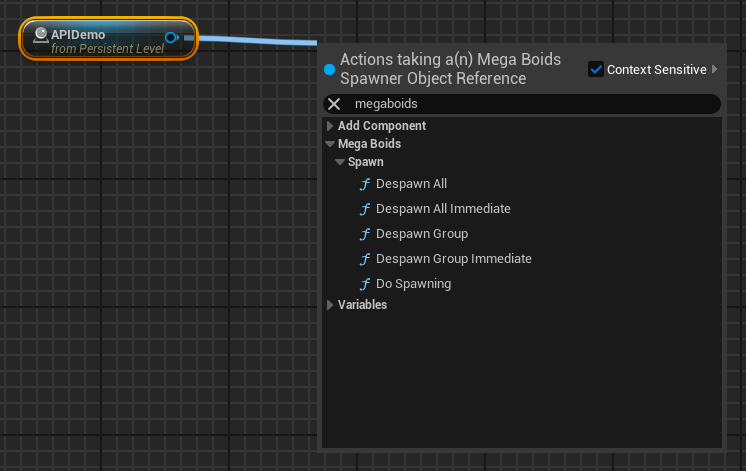
Spawning Boids
Spawning Groups
The following functions will create a new boid group and spawn all configured boid subsets (spawn configurations).
| Function | Details | |
|---|---|---|
| Spawn Group | Schedules a spawn request of the group for which the spawner is configured, with optional completion callback. Parameters On Spawned Callback: Optional event called upon spawn completion. Boids might not be fully initialized yet and will not be simulated or rendered until initialization completes. The event returns the Id of the created group as well as the handles of all created boids. | 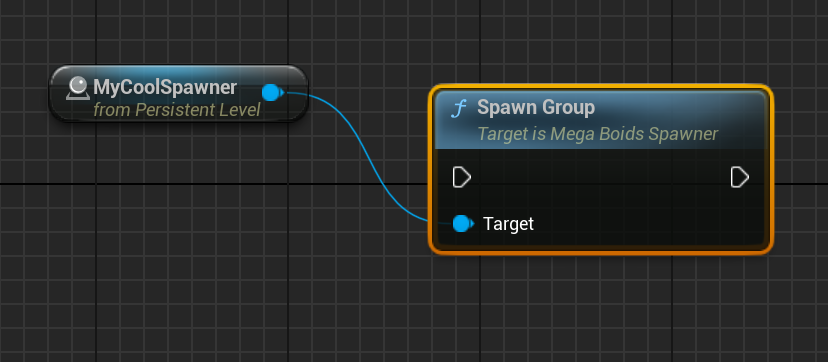 |
| Spawn Group Immediate | Spawns the group for which the spawner is configured immediately. Boids are created upon function return but are not fully initialized yet. They will not be simulated or rendered until fully initialized. * Users should preferably use the non-immediate version to avoid concurrency issues. Return value Group ID: ID of the group that was spawned or -1 if it failed. Spawned Boids: List of boid handles that were spawned | 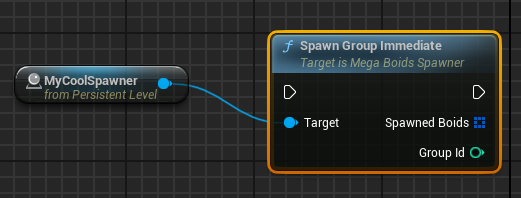 |
| Respawn Group | Schedules a respawn request for a the contents of a group associated with this spawner, with optional completion callback. This function does not despawn the group, it adds an extra batch of boids to it. Parameters Group Id: Group Id th respawn, as returned by ‘Spawn Group’. On Spawned Callback: Optional event called upon spawn completion. Boids might not be fully initialized yet and will not be simulated or rendered until initialization completes. The event returns the Id of the reused group as well as the handles of all created boids. | 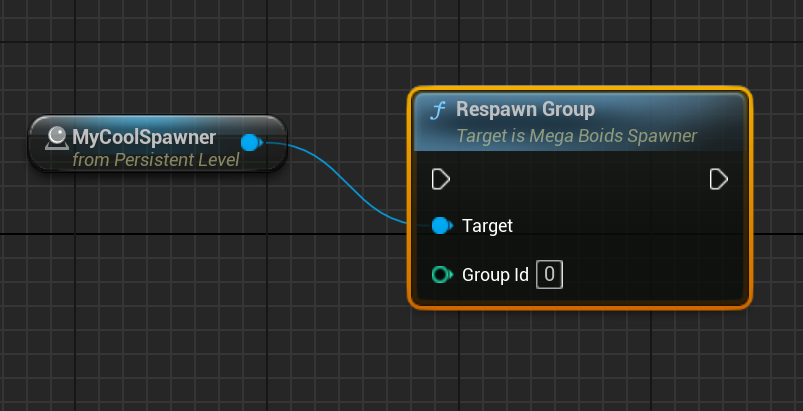 |
| Respawn Group Immediate | Respawn all the contents of the spawner in a group it is associated with immediately. This function does not despawn the group, it adds an extra batch of boids to it. Boids are created upon function return but are not fully initialized yet. They will not be simulated or rendered until fully initialized. * Users should preferably use the non-immediate version to avoid concurrency issues. Parameters Group Id: Group Id th respawn, as returned by ‘Spawn Group’. Return value Spawned Boids: List of boid handles that were spawned. | 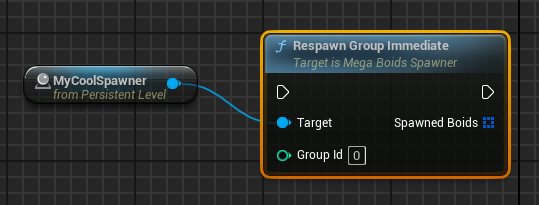 |
Spawning Subsets
A subset is a subgroup as defined in the ‘Spawn configurations’ on the spawner. Using the following Blueprint functions, you can spawn subsets individually within a previously created group.
| Function | Details | |
|---|---|---|
| Spawn Subset | Schedules a spawn request for a subset of the group as configured in the spawner, with optional completion callback. Parameters Group ID: Id of the group in which to spawn, as returned by the ‘Spawn Group’ function variants. Subset Index: Index of the subset configuration to spawn. This index matches the ‘Spawn configs’ list order. On Spawned Callback: Optional event called upon spawn completion. Boids might not be fully initialized yet and will not be simulated or rendered until initialization completes. The event returns the boid handles of all created boids. | 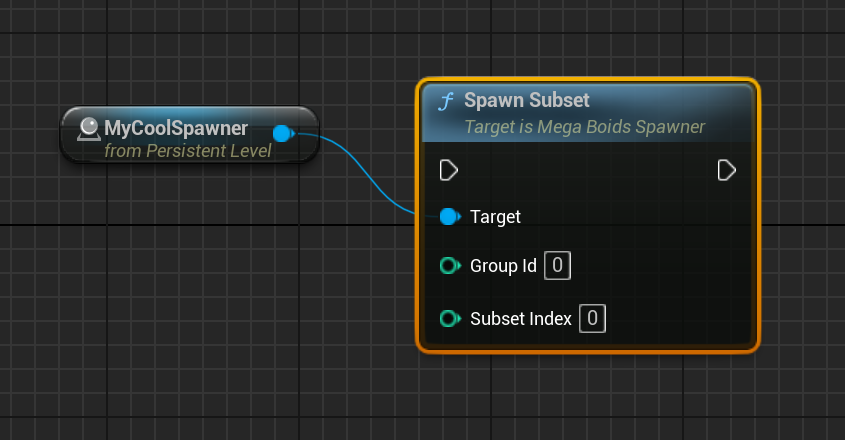 |
| Spawn Subset Immediate | Spawns a subset of the group as configured in the spawner immediately. Boids are created upon function return but are not fully initialized yet. They will not be simulated or rendered until fully initialized. * Users should preferably use the non-immediate version to avoid concurrency issues. Parameters Group ID: Id of the group in which to spawn, as returned by the ‘Spawn Group’ function variants. Subset Index: Index of the subset configuration to spawn. This index matches the ‘Spawn configs’ list order. Return value Spawned Boids: List of boid handles that were spawned. | 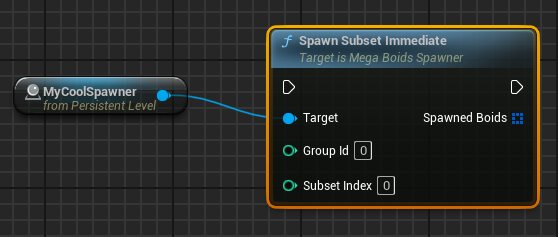 |
| Spawn Subset with Count | Schedules a spawn request for a subset of the group as configured in the spawner, but with the provided number of entities, with optional completion callback. Parameters Group ID: Id of the group in which to spawn, as returned by the ‘Spawn Group’ function variants. Subset Index: Index of the subset configuration to spawn. This index matches the ‘Spawn configs’ list order. Count: Number of boids to spawn. On Spawned Callback: Optional event called upon spawn completion. Boids might not be fully initialized yet and will not be simulated or rendered until initialization completes. The event returns the boid handles of all created boids. | 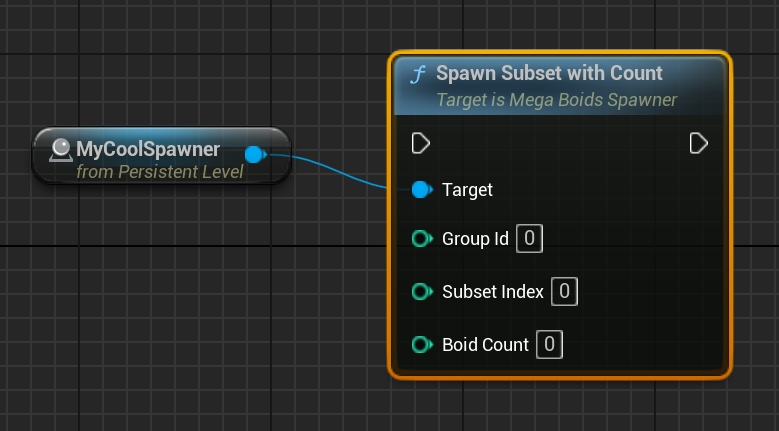 |
| Spawn Subset with Count Immediate | Spawns a subset of the group as configured in the spawner immediately. Boids are created upon function return but are not fully initialized yet. They will not be simulated or rendered until fully initialized. * Users should preferably use the non-immediate version to avoid concurrency issues. Parameters Group ID: Id of the group in which to spawn, as returned by the ‘Spawn Group’ function variants. Subset Index: Index of the subset configuration to spawn. This index matches the ‘Spawn configs’ list order. Count: Number of boids to spawn. Return value Spawned Boids: List of boid handles that were spawned. | 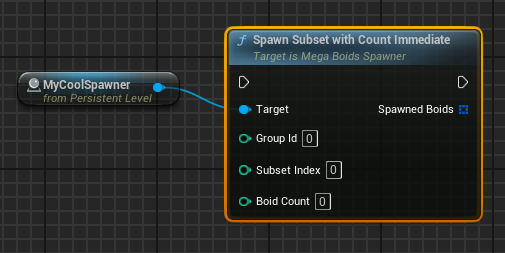 |
Despawning
You can despawn boids previously created by a spawner using one of the following functions.
| Function | Details | |
|---|---|---|
| Despawn Subset | Schedules a despawn request for the subset with the provided Group ID and subset index within the spawner. Parameters Group ID: Id of the group containing the subset to despawn, as returned by the ‘Spawn Group’ variants. Subset Index: Index of the subset to despawn within the list of boid config. Destroy group if empty: Should the subset containing group be destroyed if there are no more boids in it? | 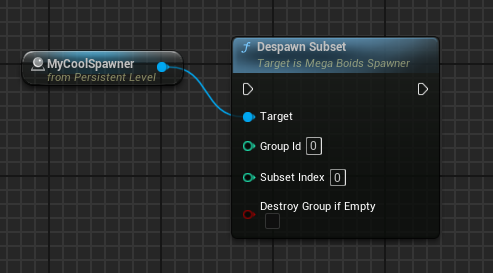 |
| Despawn Subset Immediate | Despawns the subset with the provided Group ID and subset index within the spawner. * Users should preferably use the non-immediate version to avoid concurrency issues. Parameters Group ID: Id of the group containing the subset to despawn, as returned by the ‘Spawn Group’ variants. Subset Index: Index of the subset to despawn within the list of boid config. Destroy group if empty: Should the subset containing group be destroyed if there are no more boids in it? | 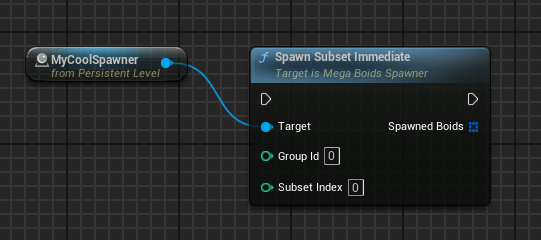 |
| Despawn Group | Schedules a despawn request for the group with the provided ID. Parameters Group ID: Id of the group to despawn, as returned by the ‘Spawn Group’ variants. | 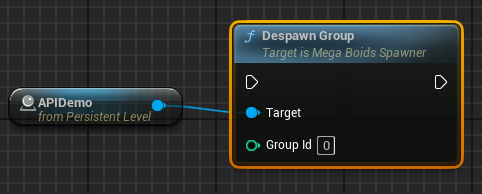 |
| Despawn Group Immediate | Despawn the group with the provided ID immediately. * Users should preferably use the non-immediate version to avoid concurrency issues. Parameters Group ID: Id of the group to despawn, as returned by the ‘Spawn Group’ variants. | 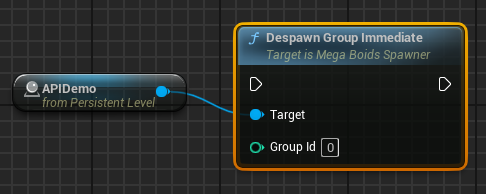 |
| Despawn All | Schedules a despawn request for the all groups that were instantiated with this spawner. | 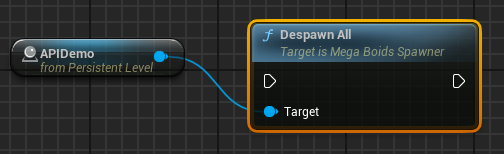 |
| Despawn All Immediate | Despawn all groups that were instantiated with this spawner immediately. * Users should preferably use the non-immediate version to avoid concurrency issues. | 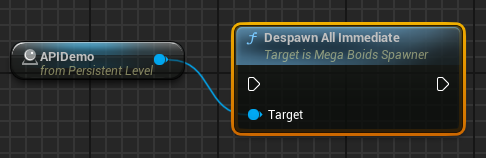 |
MegaBoids Subsystem API
The MegaBoids Subsystem API allows finer grained control of boids lifetime management as well as their group. You do not need a spawner to use the following functions but you will be responsible for manually spawning/despawning of created entities whereas Spawners will despawn it’s associated groups when unloaded as regular actors.
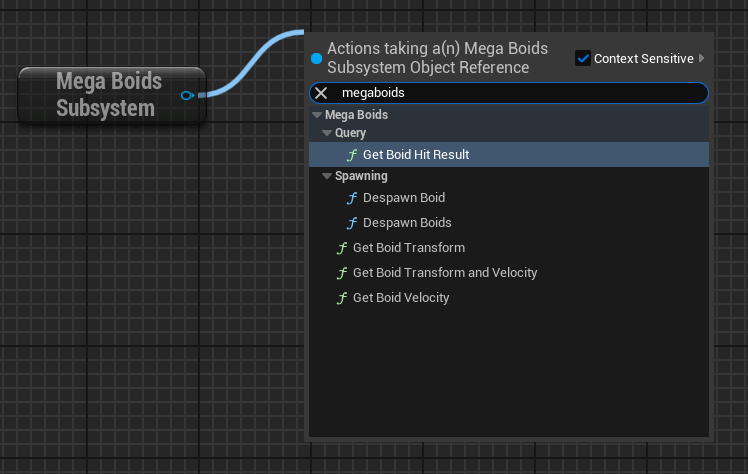
| Function | Details | |
|---|---|---|
| Get Boid Group Id | Get the boid’s group Id. Return value Group Id: The group Id. | 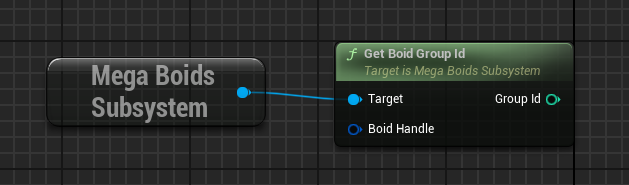 |
| Get Boid Subset Id | Get the boid’s subset Id. Return value Subset Id: The subset Id. | 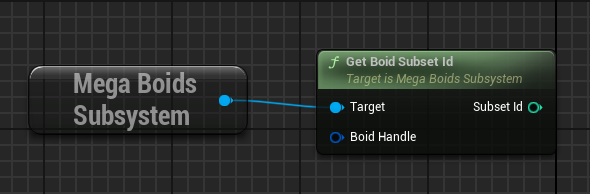 |
| Get Boid Transform | Get the current transform for the provided boid. Return value Transform: The boid’s transform. | 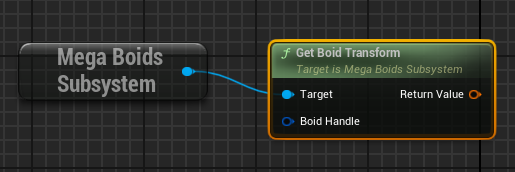 |
| Get Boid Velocity | Get the current velocity for the provided boid. Return value Velocity: The boid’s velocity vector. | 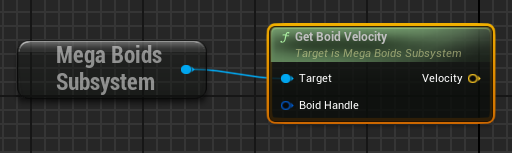 |
| Get Boid Transform and Velocity | Get the current transform and velocity for the provided boid. Return value Transform: The boid’s transform. Velocity: The boid’s velocity vector. | 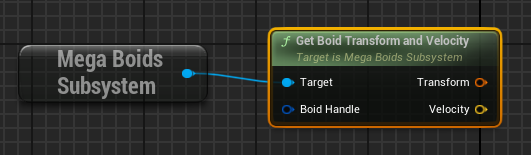 |
| Get Boid Hit result | Gets the boid that was hit by a trace hit result. Parameters Trace Hit Result: Hit result from a trace for which we want to determine if a boid was hit. Return value Boid Hit Result: Boid hit result with the handle to the boid found. | 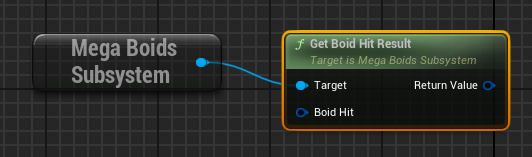 |
| Create Boid Group | Create a boid group container. Parameters Descriptor: Descriptor for the group that contains the details of how to configure the group, see below. Return value Group Id: Id of the newly created group. | 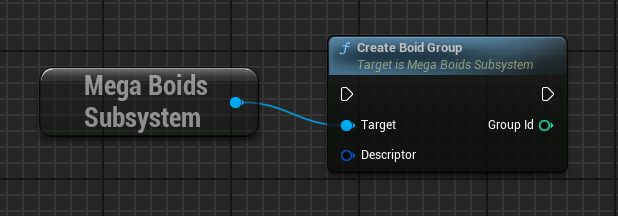 |
| Create Group Subset | Create a subset of boids within a group. Subsets are used to spawn batches of boids that shared common properties. Parameters Group Id: Id for the group that contains the subset. Descriptor: Descriptor for the subset that contains the details of how to configure the subset, see below. Return value Subset Id: Id of the newly created subset. | 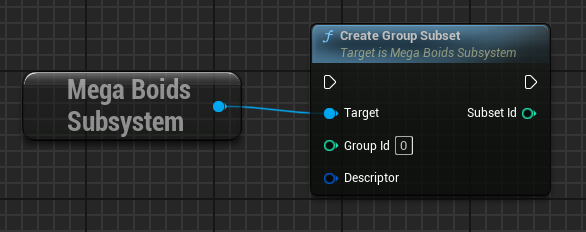 |
| Spawn Boid Subset | Schedule a task to spawn a batch of boids of the provided subset. Parameters Spawn Data: The spawning details, see below On Spawned Callback: Optional event called upon spawn completion. Boids might not be fully initialized yet and will not be simulated or rendered until initialization completes. The event returns the boid handles of all created boids. | 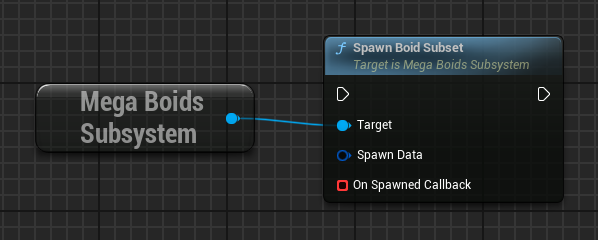 |
| Spawn Boid Subsets | Schedule a task to spawn multiple batches of boids of the provided subsets. Parameters Spawn Data: Array of the spawning details, see below On Spawned Callback: Optional event called upon spawn completion. Boids might not be fully initialized yet and will not be simulated or rendered until initialization completes. The event returns the boid handles of all created boids. | 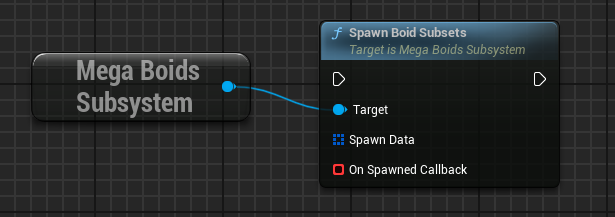 |
| Despawn Boid | Schedules a task to despawn the provided boid. Parameters Handle: Handle to the boid to despawn. | 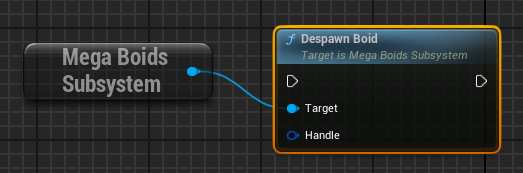 |
| Despawn Boids | Schedules a task to despawn the provided list of boids. Parameters Handles: List of handles to the boids to despawn. | 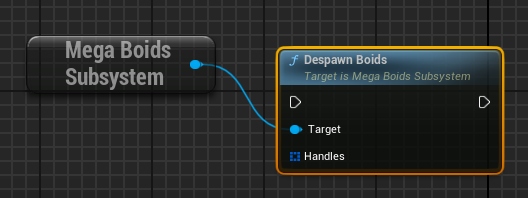 |
| Despawn Subset | Schedules a task to despawn all boids in the provided subset. Parameters Subset Id: The subset id as returned by ‘Create Group Subset’ function. | 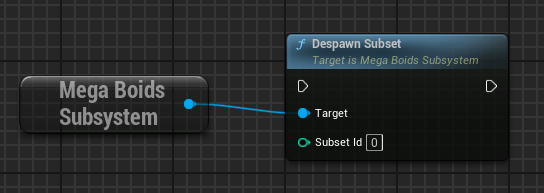 |
| Despawn Group | Schedules a task to despawn all boids in the provided group. Parameters Group Id: The group id as returned by ‘Create Boid Group’ function. | 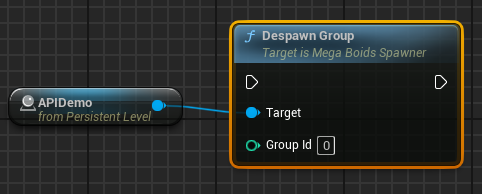 |
| Destroy Group | Schedules a task to despawn all boids in and destroy the provided group. Parameters Group Id: The group id as returned by ‘Create Boid Group’ function. | 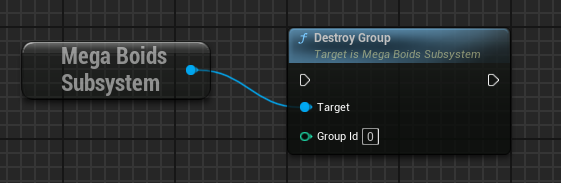 |
Structures
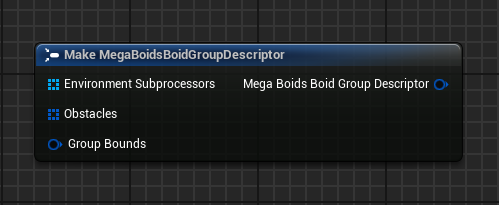
MegaBoidsBoidGroupDescriptor
| Field | Details |
|---|---|
| Environment Subprocessors | List of configurations for environments subprocessors appleid to all boids of the group. |
| Obstacles | List of obstacles the boid in the group need to avoid. |
| Group Bounds | Bounds of the group. Boids will be pushed inwards when near these bounds. |
MegaBoidsGroupSubsetDescriptor
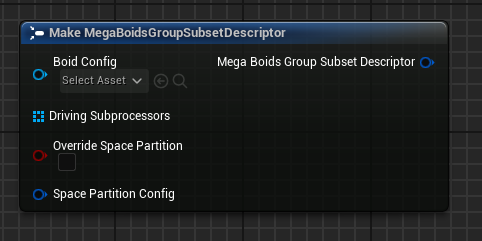
| Field | Details |
|---|---|
| Boid Config | Data asset describing the boid composition. |
| Driving subprocessors | Extra driving subprocessors that are applied on top of those defined in the boid config. They are used for environment specific behavior or specialization. |
| Override space partition | Should a custom space partition config be used instead of the one defined in the boid config? |
| Space partition config | Space partition configuration to use if you override the boid config space partition setup. |
MegaBoidsSpacePartitionConfig
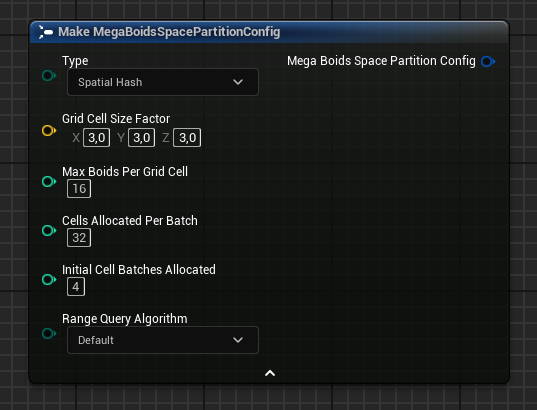
| Field | Details |
|---|---|
| Type | Type of space partition to use. None, 3D Cell Grid or Spatial Hash. |
| Grid cell size factor | [Spatial Hash and Grid only] Size of the cells of the space partition as a factor of boid view distance. Cell size will be equal to ‘BoidSize * ViewDistanceFactor * GridCellSizeFactor’. |
| Max boids per grid cell | [Spatial Hash and Grid only] The maximum number of boids tracked within a cell, allocated on a first come, first serve basis. |
| Cells allocated per batch | [Spatial Hash only] Spatial Hash cells are allocated in batches with each batch having this number of cells reserved in memory. |
| Initial cell batches allocated | [Spatial Hash only] Initial nmumber of cells allocated when the space partition gets created. Ideally, this would cover all required cells for the boids lifetime. |
| Range query algorithm | [Spatial Hash only] Algorithm used for range queries. Default is BigMaxLitMin |
MegaBoidsGroupSubsetSpawnData
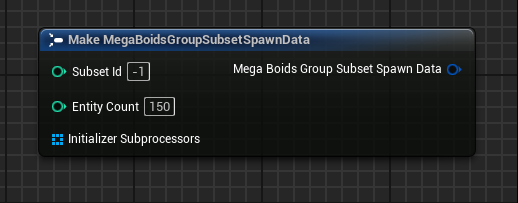
| Field | Details |
|---|---|
| Subset Id | Id of the subset to spawn (returned from Create Group Subset). |
| Entity Count | Number of boids to spawn. |
| Initializer subprocessors | List of initializers to apply after boid spawn. |
Extending the plugin & Mass Entity blueprint support
MegaBoids is a plugin based on the Mass Entity framework. Unfortunately, Mass Entity is currently not compatible with Unreal Blueprints and it seems unlikely it ever will given some core design choices from Epic when developing Mass Entity. There is currently no way to create or access data types from blueprint, since they are built upon a C++ feature called ‘templates’. Therefore, the following plugin extensions must absolutely be added through our C++ API:
- Driving subprocessors
- Environment subprocessors
- Initialization subprocessors
- Movement models
This is a good opportunity for you to learn C++. We put a lot of effort into abstracting the concepts of Mass Entity in a digestible manner such that developers can focus on what matters to them: making great games! If all else fails, check out our consulting services.